Find your frame.
Use your previous photo as an overlay to line up your next shot. A grid and timer help you keep each photo consistent.
 My Journey
 is a private progress photo journal for iPhone and iPad. Capture consistent photos, compare before and after, and see how far you’ve come.
Download on theApp Store ↗For iPhone and iPad · Open source. Contributions welcome.
Use your previous photo as an overlay to line up your next shot. A grid and timer help you keep each photo consistent.
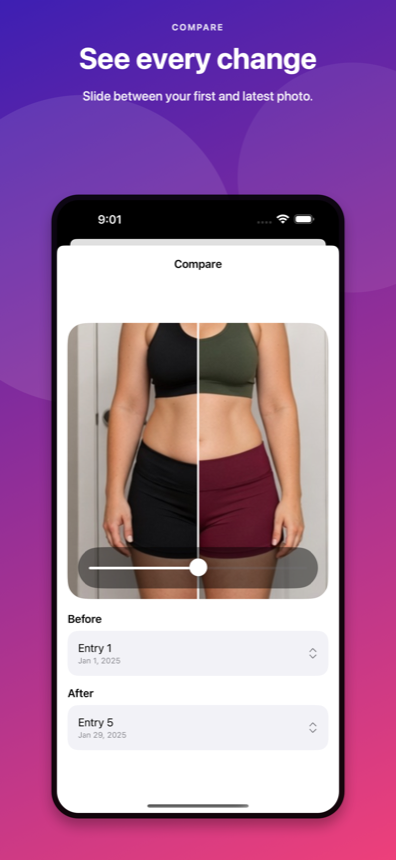
Keep your photos together in a journey, revisit your timeline, and slide between two moments to see what’s changed.
Turn your progress into a GIF or video, then share it when you’re ready. Your journey photos are stored locally on your device.
Explore a preview of the app, from your first photo to your latest milestone.
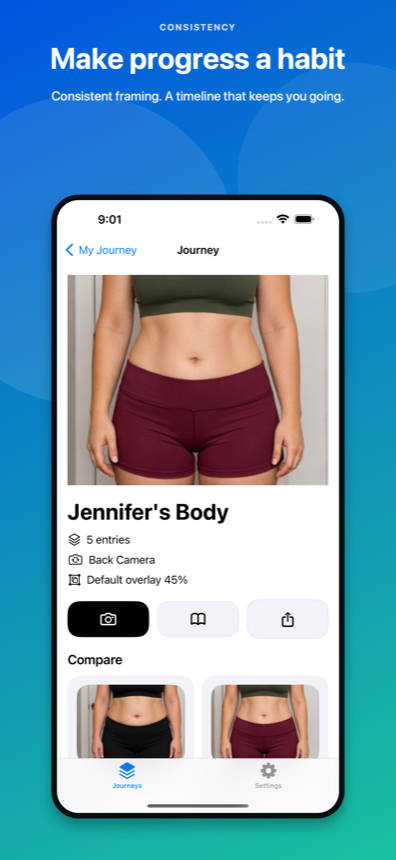
Use My Journey to document fitness progress, changes in a routine, or other visual transformations. Create a separate photo journey for each goal, use an alignment overlay to keep framing consistent, and compare any two entries with a before-and-after slider.
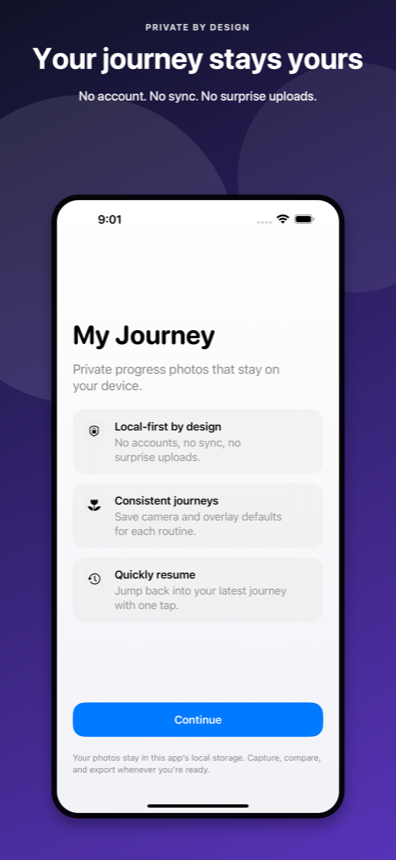
No account is required. Photos and journey data are stored locally on your device, without cloud syncing or uploads to the developer’s servers. Device backups depend on your Apple settings. You choose whether to share an export. Read the My Journey privacy policy for details.
Yes. Export a journey’s photo timeline as a GIF or MP4 video, with optional dates and entry numbers. Exports are created on your device, then shared through the iOS share sheet when you choose.
My Journey is free to download and use. An optional one-time in-app purchase removes the watermark from Compare and GIF exports. MP4 exports and the other features are free. See the App Store listing for current purchase details.
My Journey is available for iPhone with iOS 17.0 or later and iPad with iPadOS 17.0 or later.
My Journey is developed by Greg Adams and is open source under the MIT License. Visit the My Journey support tracker to report a problem or suggest a feature.
My Journey is open source under the MIT License, and everyone is welcome to help. Contribute a bug fix, a feature, an accessibility improvement, design, tests, or documentation.
Get a free lifetime subscription when your pull request is accepted and merged.
You can also help by reporting bugs and sharing ideas. The lifetime subscription reward applies to accepted, merged pull requests.
Give yourself a new way to look back — and keep going.
Download on theApp Store ↗